
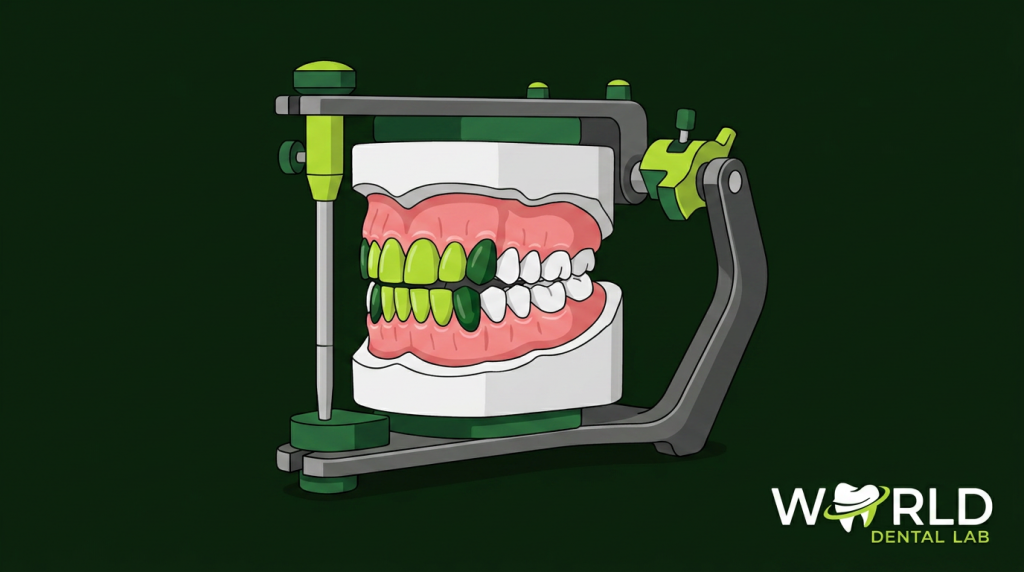
In complex restorative cases — full-mouth rehabilitation, smile design, implant planning, occlusal correction — the diagnostic wax-up is the most important planning step the dental lab performs. It allows the clinician and patient to see, evaluate, and approve the proposed restoration design before a single tooth is prepared. When done well, the wax-up eliminates surprises and dramatically reduces remakes.
What Is a Diagnostic Wax-Up?
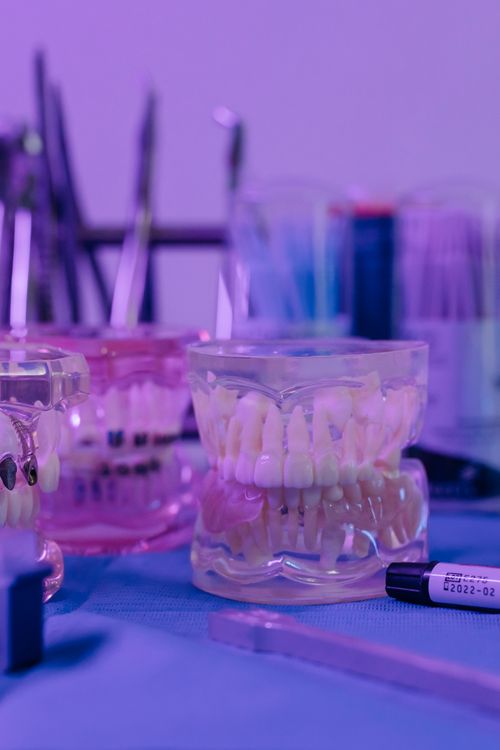
A diagnostic wax-up (also called a study wax-up, mock-up, or diagnostic cast) is a three-dimensional representation of the planned restoration, built in wax on a stone study model. The lab technician sculpts the proposed tooth forms — crown shapes, veneer contours, bridge pontics, occlusal plane — to show the clinician what the final result will look like before any preparation or irreversible treatment begins.
The wax-up can then be:
- Shown to the patient for treatment acceptance
- Used to fabricate a silicone putty matrix for chairside mock-up (composite previsualization)
- Used as a guide for tooth preparation depth
- Used as a template for provisional restorations
- Scanned to create a digital reference for final restoration design
When Is a Diagnostic Wax-Up Indicated?
- Full-mouth rehabilitation: Cases involving occlusal rebuilding across multiple arches — wax-up establishes the new vertical dimension, occlusal plane, and anterior guidance before any crown preparations
- Smile design cases (6–10+ veneers): Allows clinician and patient to preview tooth length, width, incisal edge position, and midline before preparation
- Implant prosthetic planning: Wax-up used alongside CBCT to plan implant position relative to the planned final restoration — “prosthetically driven implant placement”
- Occlusal correction: Establishing new centric relation or addressing anterior open bite — wax-up verifies the proposed solution is achievable
- Complex bridge cases: Multi-unit bridges where connector positions and pontic design need clinician approval
How a Dental Lab Produces a Traditional Wax-Up
- Study model fabrication: Stone models poured from impressions or digital scans, trimmed and articulated on a semi-adjustable articulator
- Facebow transfer: If provided by the clinician, used to mount the upper model in the correct spatial relationship to the TMJ axis
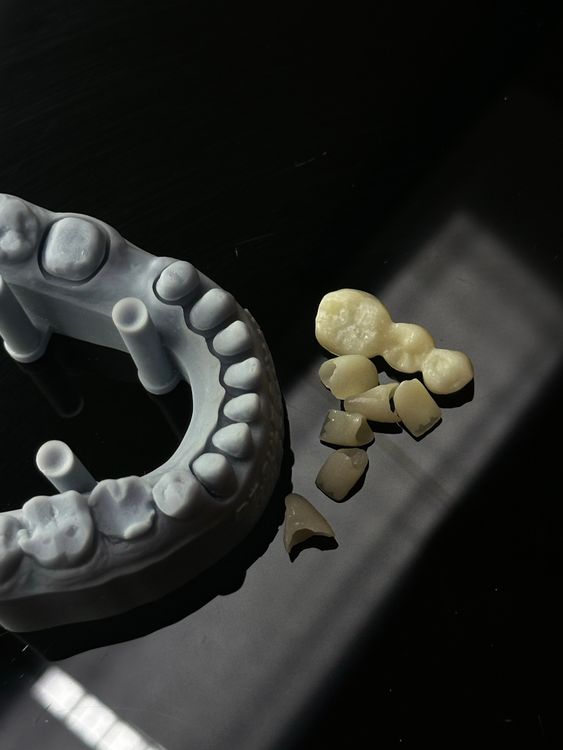
- Wax addition: The technician adds modelling wax to the teeth that will be restored, building up each tooth to the planned contour and length
- Occlusal verification: The articulator is used to check that the waxed contacts are correct in centric relation and in lateral excursions
- Aesthetic refinement: Tooth shapes, embrasures, incisal edges, and gingival contours are refined to match the target aesthetic
- Photography and delivery: The completed wax-up is photographed and returned to the clinician for review
Digital Wax-Ups: The Modern Alternative
Digital wax-ups (also called virtual wax-ups or digital diagnostic set-ups) are produced using CAD software — typically 3Shape Dental System or exocad — on digital scan data rather than physical models.
Advantages of digital wax-ups:
- No physical model required — can be produced from scan files alone
- Faster iteration — changes are made in software, not by melting and re-adding wax
- Can be 3D printed for chairside mock-up or provisional fabrication
- Easily shared with clinician via email for remote approval
- Seamlessly integrated into CAD/CAM restoration workflow — design data carries directly into crown/veneer production
World Dental Lab produces both traditional and digital wax-ups as part of our CAD/CAM design service.
The Chairside Mock-Up: Translating the Wax-Up to the Patient
Once the wax-up is approved, a silicone putty matrix is made of the wax-up. At the chairside appointment, the clinician fills the matrix with composite resin and seats it over the unprepared teeth — creating a temporary “mock-up” the patient can see and feel in their own mouth.
This step is particularly important in smile design cases — patients who approve the wax-up on a model sometimes react differently when they see the proposed changes in their own smile. The mock-up catches these concerns before preparation.
What to Send the Lab for a Wax-Up
- Upper and lower study model scans (STL) or physical impressions
- Bite registration (centric relation preferred for full-mouth cases)
- Facebow record (if available — highly recommended for full-mouth cases)
- Photographs: frontal smile, lateral, retracted view
- Treatment prescription: desired tooth lengths, any specific shape preferences, occlusal scheme target
Request a Diagnostic Wax-Up From World Dental Lab
We produce traditional and digital wax-ups for complex restorative and smile design cases. Submit your scans or impressions — we’ll handle the planning and return the wax-up for your approval.
